Deploy Your Portfolio with Next.js and Vercel: A Complete Guide for Bootcamp Students
Hey Triple Ten classmates! 👋
Before diving into this tutorial, I want to share something that really shifted my perspective as a developer. When I first started learning web development, I had this nagging feeling that using someone else's solutions or frameworks was somehow "cheating" – like I was skipping the deep learning part.
That feeling has completely faded. Software engineering thrives because of our ethos of sharing. Open source software is a godsend, and I'm continually amazed by the incredible tools we can access for free. We truly are standing on the shoulders of giants.
This guide will teach you how to deploy a professional portfolio using Next.js and Vercel – not just because it's fast and easy, but because it opens doors to an incredible ecosystem of tools and possibilities.
Why Next.js and Vercel?
The web development landscape moves incredibly fast. The tools I learned just a few months before starting Triple Ten were already becoming outdated. But there are timeless principles in software engineering, and it's crucial to stay aware of ecosystem advancements and adapt to them.
Here's why this stack is worth learning:
🚀 Lightning-Fast Deployment
Deploy your portfolio live in minutes, not hours. Vercel's integration with GitHub means every push automatically updates your live site.
🛠️ Access to the React Ecosystem
Tap into an enormous library of components, tools, and integrations:
- AI model integrations with Vercel's AI SDK
- Vercel's v0 web development agent
- Supabase (PostgreSQL database) with seamless Next.js integration
- Thousands of open-source React components
📚 Learning Through Abstractions
Next.js teaches you about fundamental web development concepts through its hybrid rendering approach:
- Server-Side Rendering (SSR)
- Client-Side Rendering (CSR)
- Static Site Generation (SSG)
- Hydration and streaming
- SEO optimization and metadata
- The Open Graph protocol
Prerequisites
Before we start, make sure you're comfortable with these concepts:
✅ Required Knowledge
- HTML, CSS, and JavaScript fundamentals - You can use AI assistance, but don't rely on it entirely
- Basic React concepts:
useState and useEffect hooks- Functional components
- Props and children
- Component composition
🎨 Nice to Have (Optional)
Tailwind CSS - A utility-first CSS framework that lets you style with class names:
Some developers prefer separation of concerns, but Tailwind's utility classes can speed up development significantly.
Step 1: Set Up Your Accounts and Tools
1. Create a Vercel Account
Head to vercel.com/signup and create your account. Once logged in, you'll see your dashboard where you can create new projects.
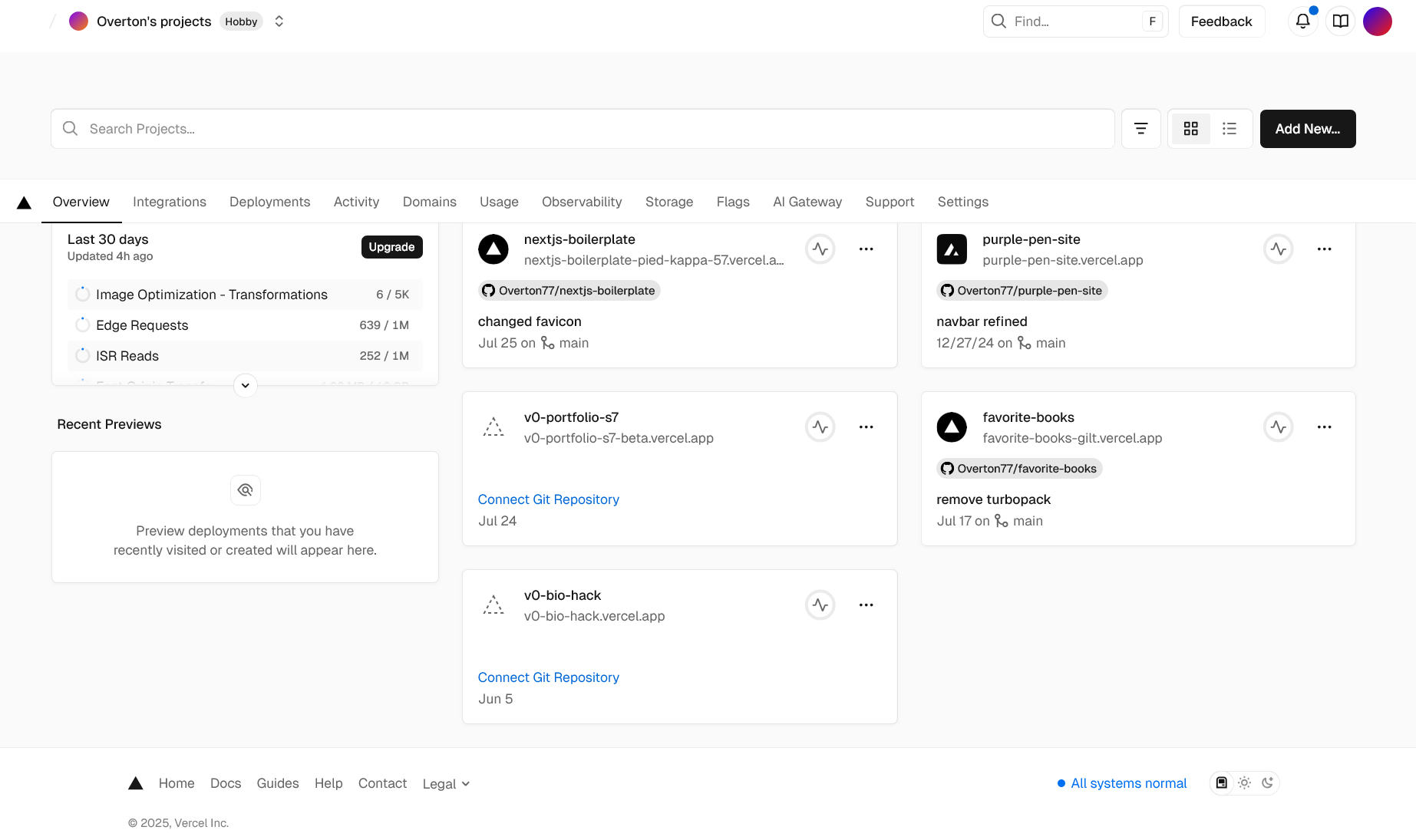
You have two options:
- Let Vercel create a new GitHub repository with a pre-built Next.js template
- Connect an existing GitHub repository
For this tutorial, we'll let Vercel create the repository for us.
2. Install Node.js
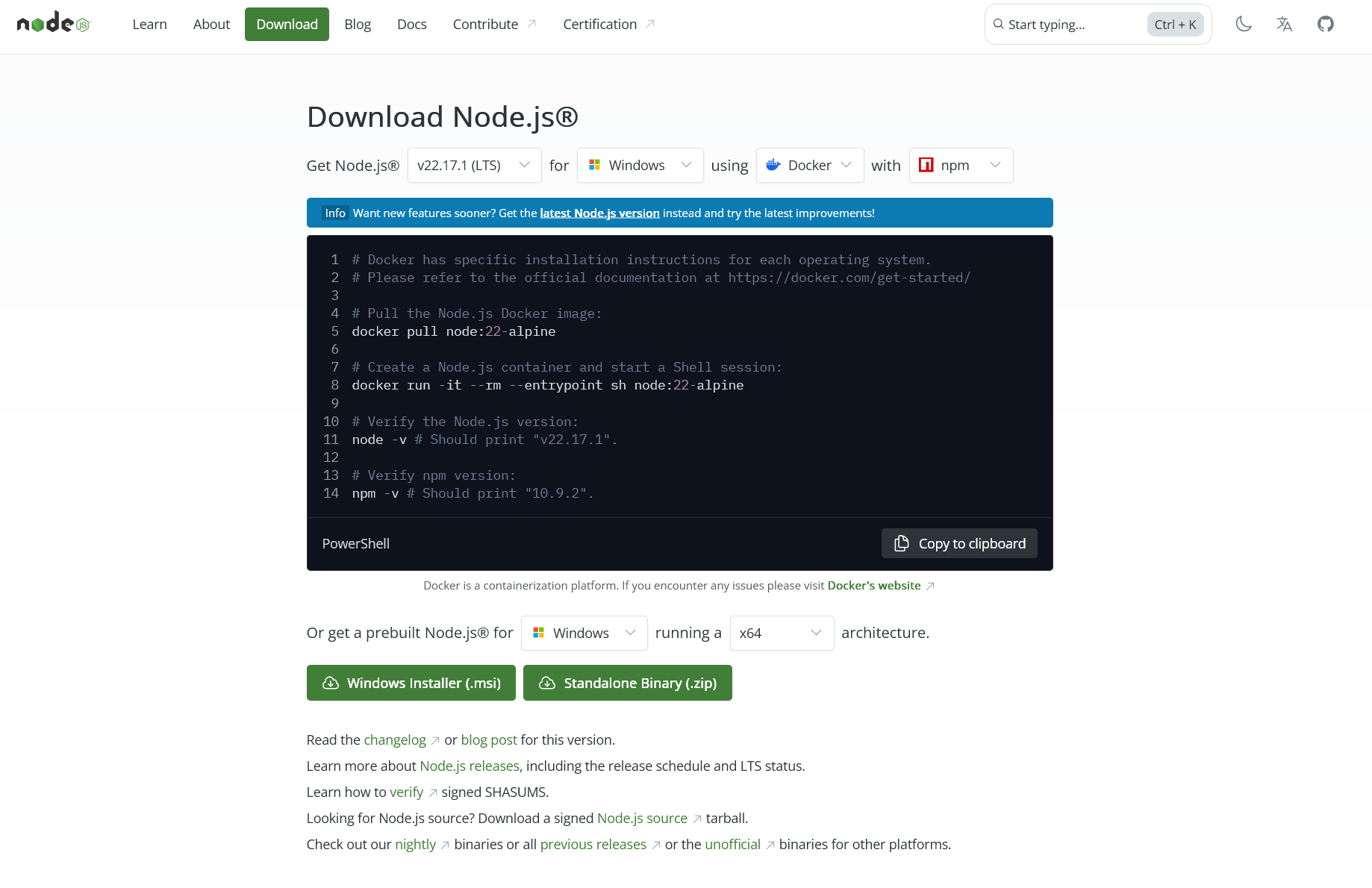
Download Node.js from nodejs.org. Choose the recommended version and follow the installation instructions for your operating system.
3. Create Your Next.js Project
In your Vercel dashboard:
- Click "Add New Project"
- Select "Create a new repository"
- Choose the Next.js template
- Name your repository (e.g., "my-portfolio")
- Click "Create"
Vercel will create a GitHub repository and deploy your initial Next.js app automatically!
Step 2: Clone and Set Up Locally
Now you need to clone the repository Vercel created and set up local development.
Your local development server will start at http://localhost:3000.
Step 3: GitHub Authentication
After cloning, you need to authenticate with GitHub to push changes back to your repository. Here are three reliable methods:
Option 1: GitHub CLI (Recommended for Beginners)
- Copy the output and add it to GitHub → Settings → SSH Keys
- Change your remote URL to SSH:
Step 4: Development Workflow
Now you have a complete development workflow:
- Make changes locally in your code editor
- Test locally with
npm run dev
- Commit and push to GitHub
- Vercel automatically deploys your changes
Don't worry about build errors! They happen to everyone. Check the error in Vercel's dashboard, fix it locally, and push again.
Step 5: Essential Resources for Your Portfolio
Here are the tools that will supercharge your portfolio development:
🎨 UI Component Libraries
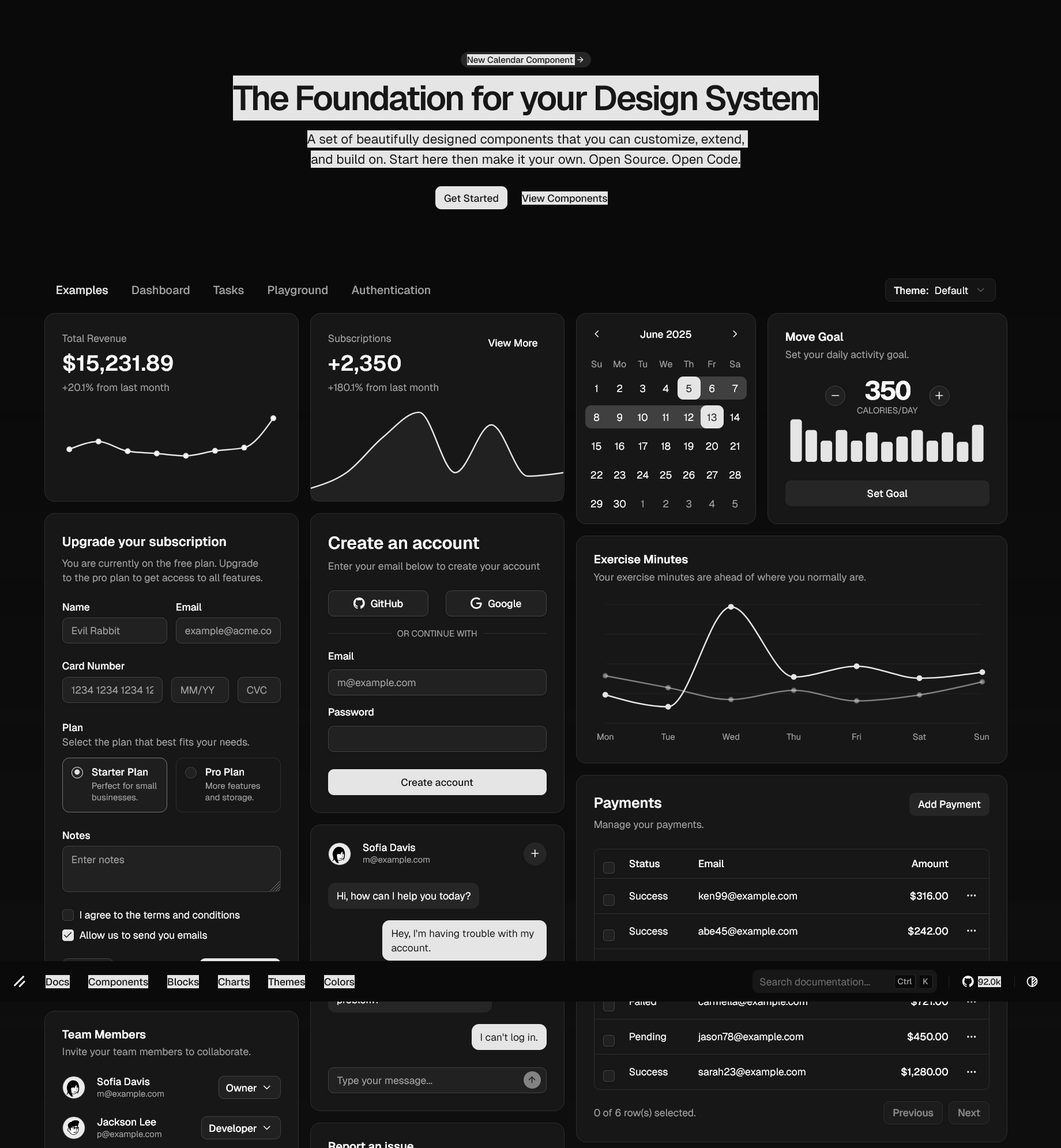
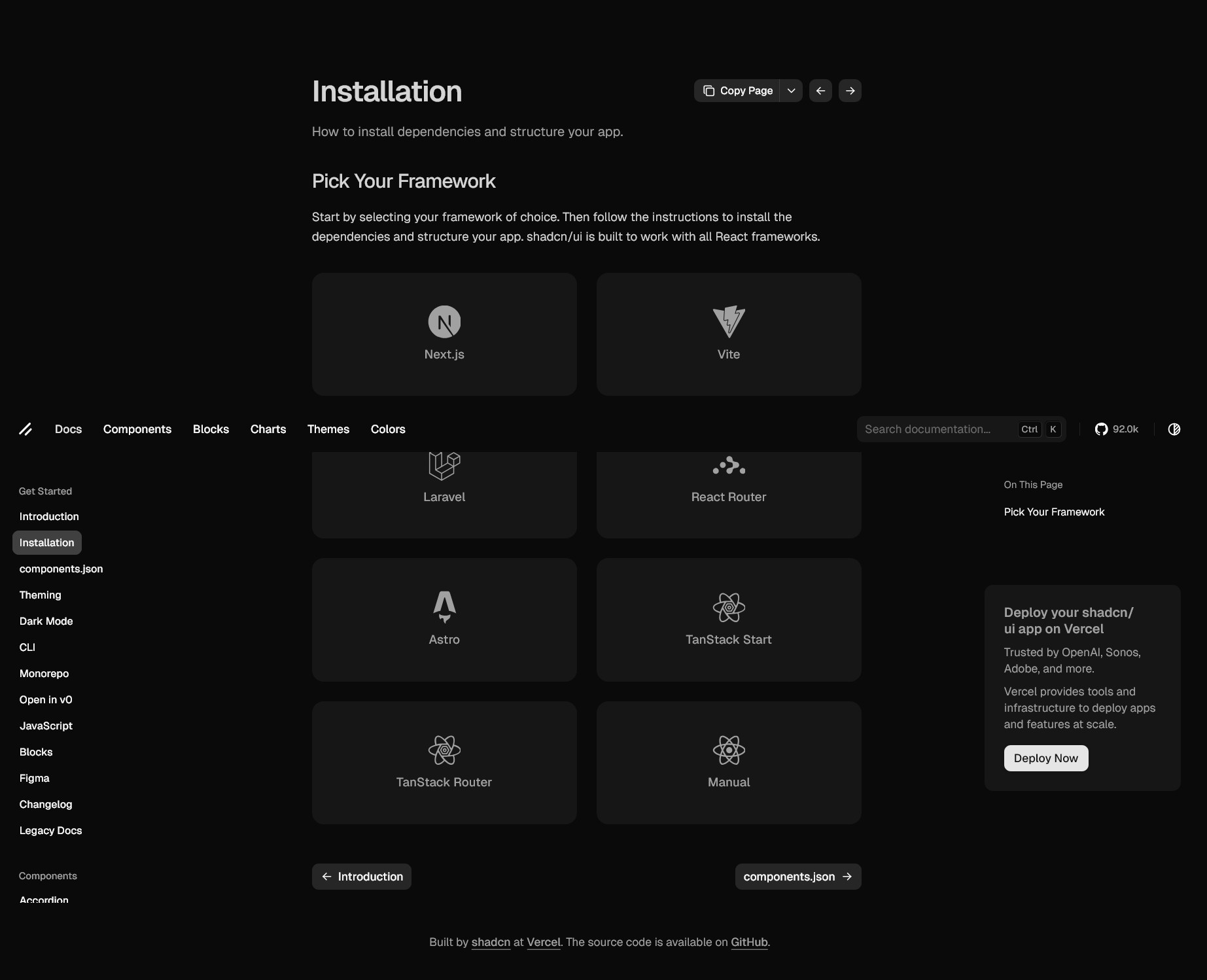
1. shadcn/ui - ui.shadcn.com
The go-to library for React developers. Professional, accessible components that you can copy and customize.
2. 21st.dev - 21st.dev
An incredible component resource with AI editor integration. Related to Aceternity UI, it offers some of the most beautiful React components available.
📚 Learning Resources
3. Awesome Next.js - github.com/unicodeveloper/awesome-nextjs
A curated list of Next.js resources, tutorials, and tools.
🚀 The Production Stack
Your portfolio is now running on the same stack used by major companies:
- Vercel: OpenAI, Chick-fil-A, and thousands of other companies
- Next.js: Netflix, TikTok, Twitch
- GitHub: The world's largest code hosting platform
This isn't just a learning exercise – you're using professional, production-ready tools.
Next Steps: Customizing Your Portfolio
Now that you have the foundation, here are some ideas for customization:
Essential Pages
- Homepage: Hero section, brief intro, call-to-action
- About: Your story, skills, background
- Projects: Showcase your best work
- Contact: Ways for employers to reach you
Advanced Features to Explore
- Blog integration with MDX (like this post!)
- Database integration with Supabase
- Authentication for admin features
- Analytics with Vercel Analytics
- AI features with Vercel AI SDK
Troubleshooting Common Issues
Build Errors
If your deployment fails:
- Check the error message in Vercel's dashboard
- Test your build locally:
npm run build
- Fix the issue and push again
Environment Variables
For API keys and secrets:
- Add them in Vercel dashboard → Settings → Environment Variables
- Use them in your code:
process.env.YOUR_VARIABLE
Domain Setup
To use a custom domain:
- Go to your project in Vercel
- Settings → Domains
- Add your domain and follow DNS instructions
Conclusion
You now have a professional portfolio deployed on world-class infrastructure. More importantly, you have access to an incredible ecosystem of tools and resources that will grow with you throughout your career.
The beauty of this setup is that it scales from simple portfolios to complex applications. As you learn more, you can gradually add features like databases, authentication, AI integrations, and more – all within the same framework.
Remember: every professional developer started somewhere. Focus on building, experimenting, and sharing your work. The tools are just the beginning – your creativity and problem-solving skills are what will set you apart.
Happy coding! 🚀
Questions? Feel free to reach out to your fellow Triple Ten classmates. We're all learning together, and the community is one of our greatest resources.